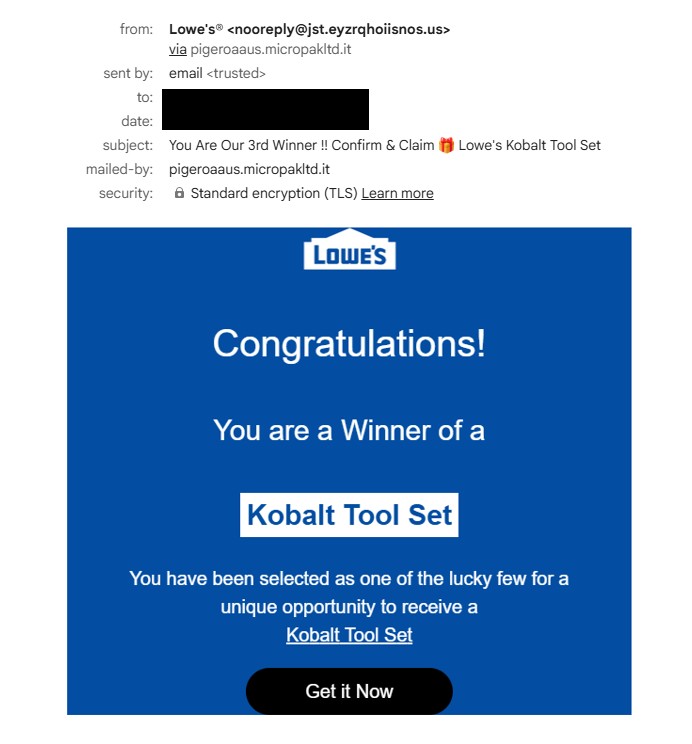
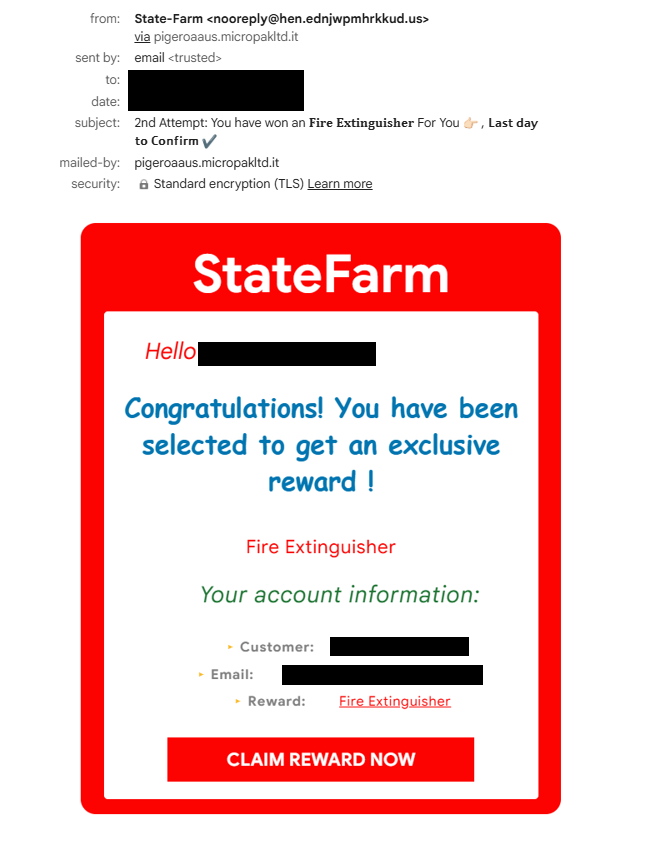
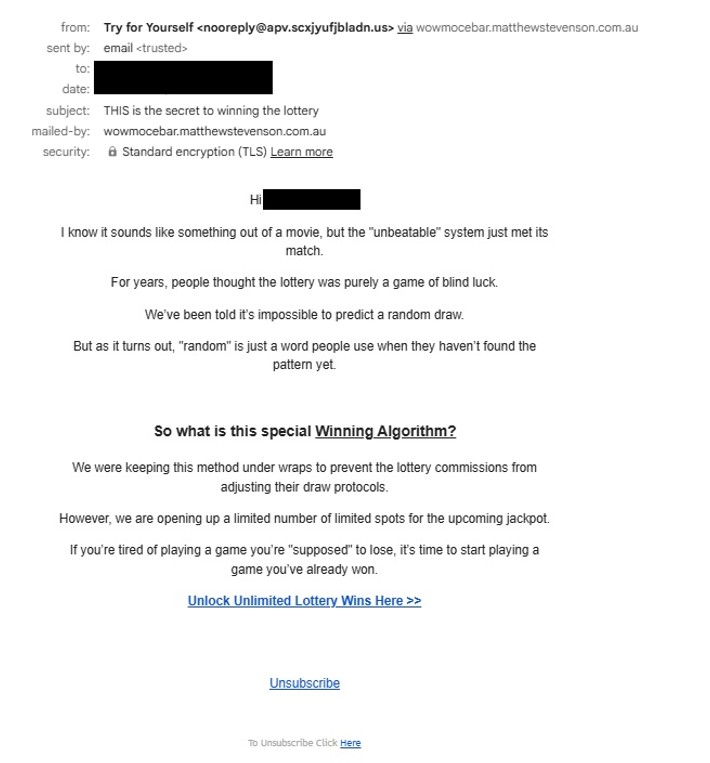
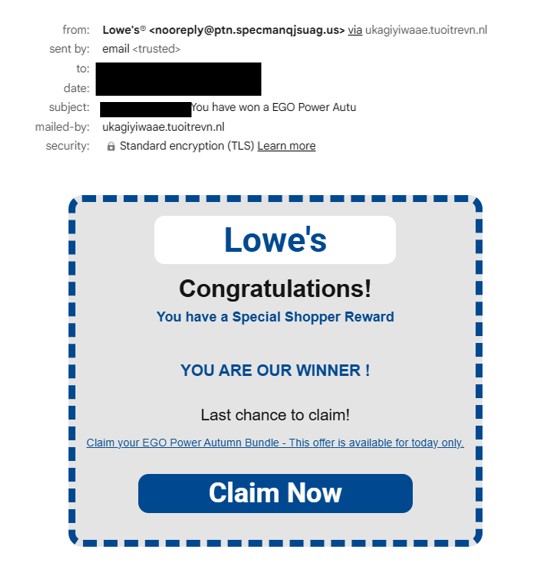
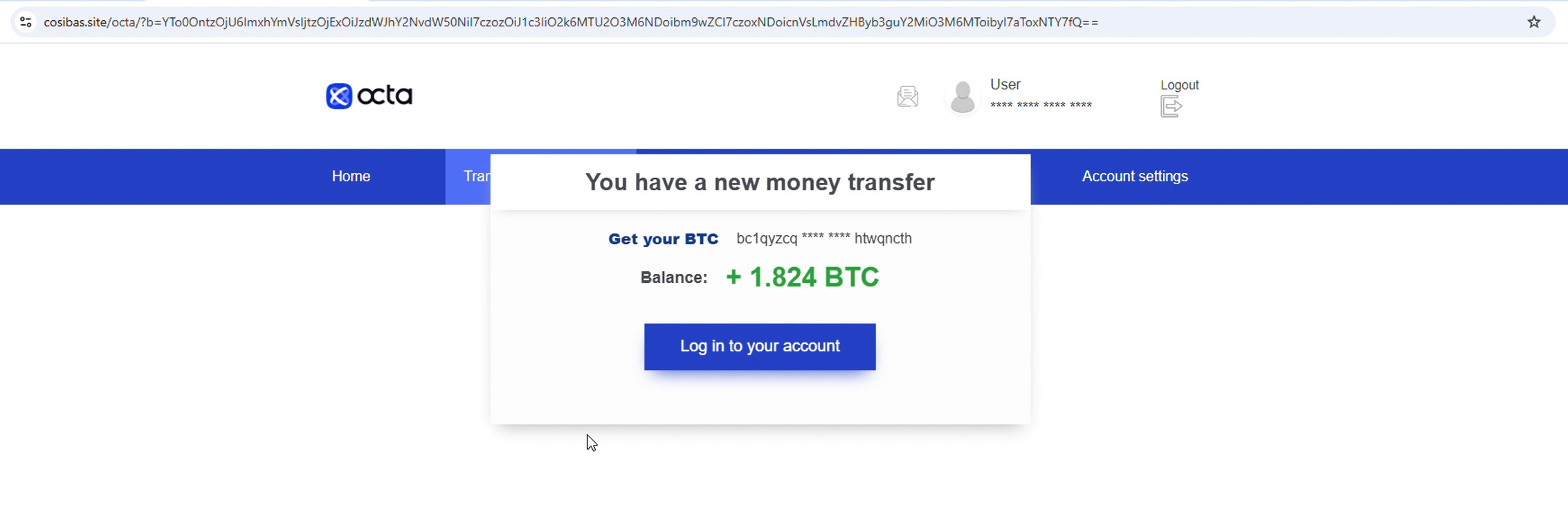
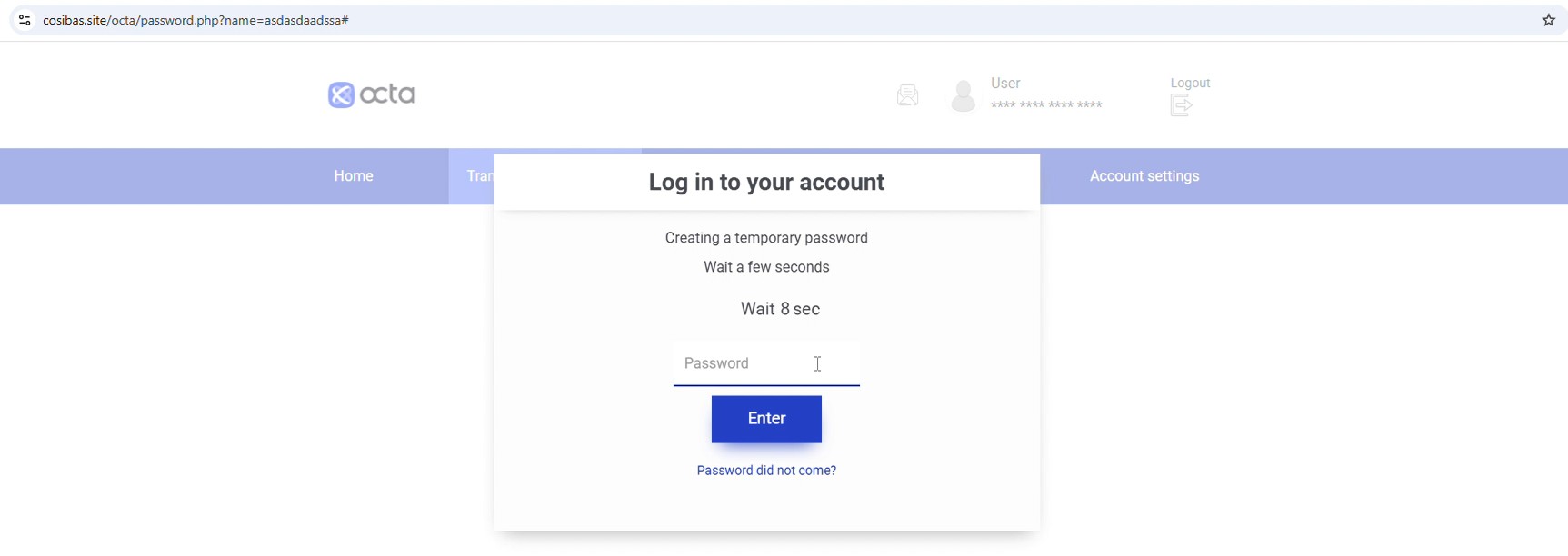
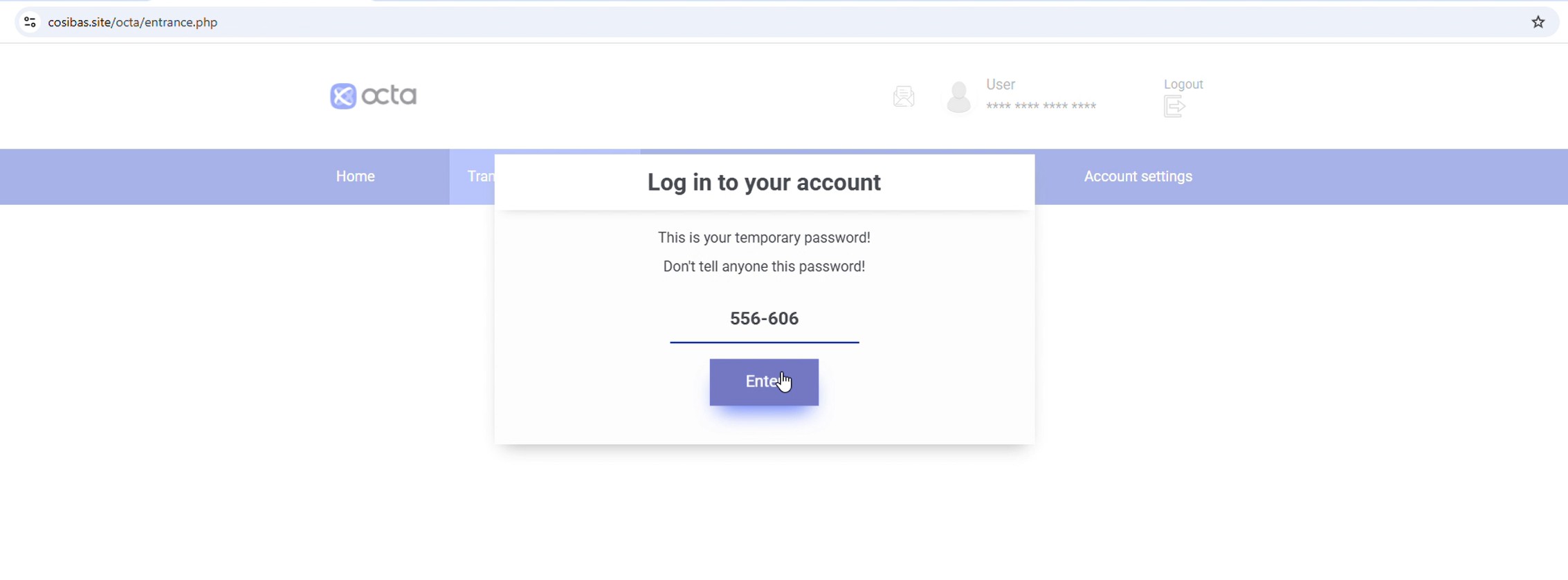
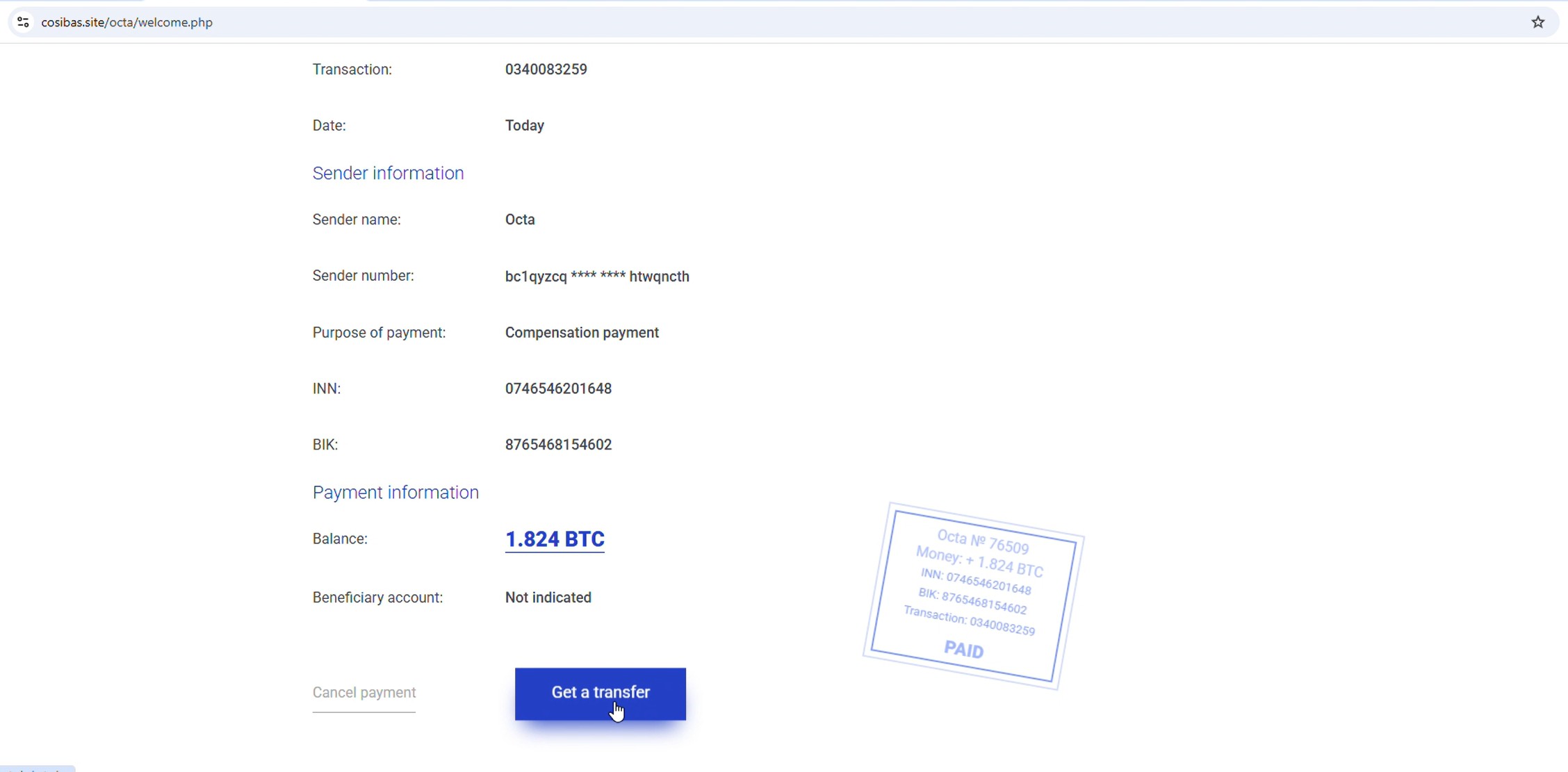
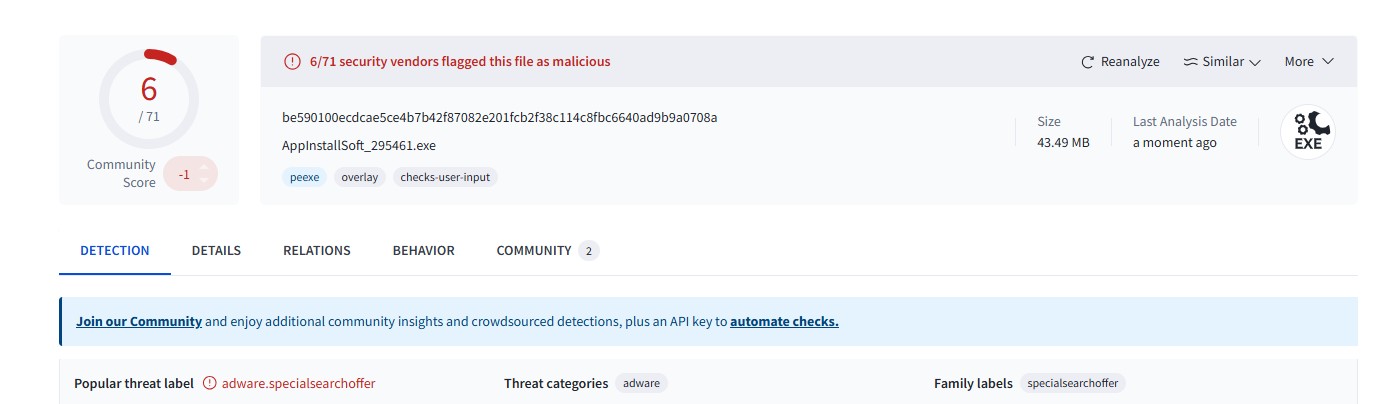
A few days ago, I published a blog analyzing a phishing campaign abusing Google Cloud infrastructure:
While continuing to monitor the infrastructure used in that campaign, I discovered several additional URLs hosted on Google Cloud Storage (storage[.]googleapis[.]com) that appear to be part of the same ecosystem. These pages act as intermediate redirectors, sending victims to a wide variety of phishing and scam sites hosted primarily on the .autos TLD.
What is interesting is that a single Google Cloud Storage page appears to function as a central redirect hub, distributing victims across multiple scam themes such as fake surveys, reward scams, antivirus alerts, job offers, and account storage warnings.
Newly Observed Google Cloud Storage URLs
The following URLs were identified during the investigation:
storage[.]googleapis[.]com/whilewait/successcomes.html
storage[.]googleapis[.]com/sndrr/strow.html
storage[.]googleapis[.]com/noonchi/noon.html
storage[.]googleapis[.]com/sndrr/hmd.html
storage[.]googleapis[.]com/wetaobao/taobao.html
storage[.]googleapis[.]com/savelinge/goforward.html
storage[.]googleapis[.]com/lithesome/stepupnow.html
One particular page stood out during analysis:
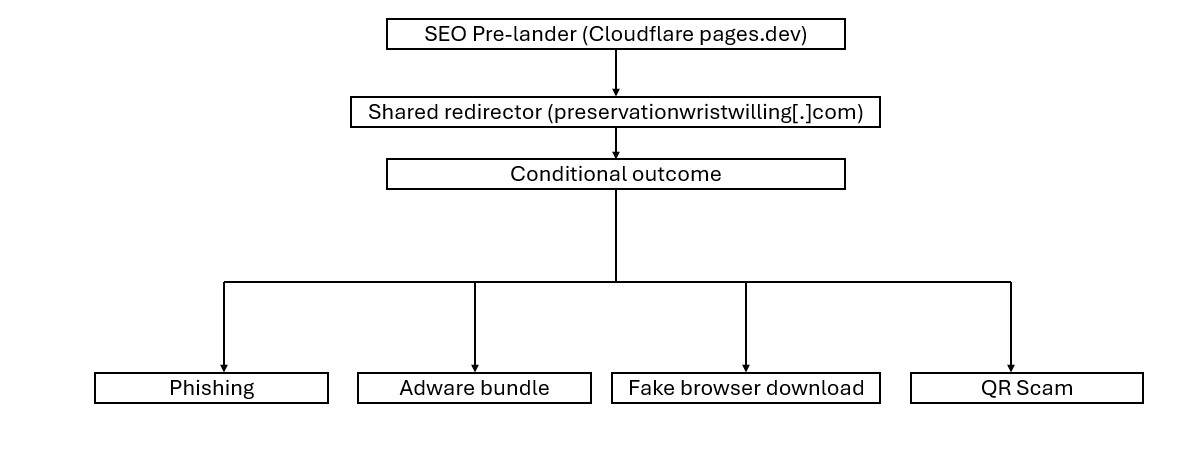
This page appears to function as a traffic distribution page, redirecting visitors to multiple phishing sites depending on campaign configuration.
storage[.]googleapis[.]com/whilewait/successcomes.html
I also shared an earlier observation on X (Twitter):
Traffic Redirection to .autos Phishing Domains
The redirector page was observed sending users to various phishing domains, most of which are hosted under the .autos top-level domain.
These phishing sites are themed around different scams designed to lure victims into providing personal or financial information.
Below are the different campaign themes identified.
Netflix Reward Phishing Pages
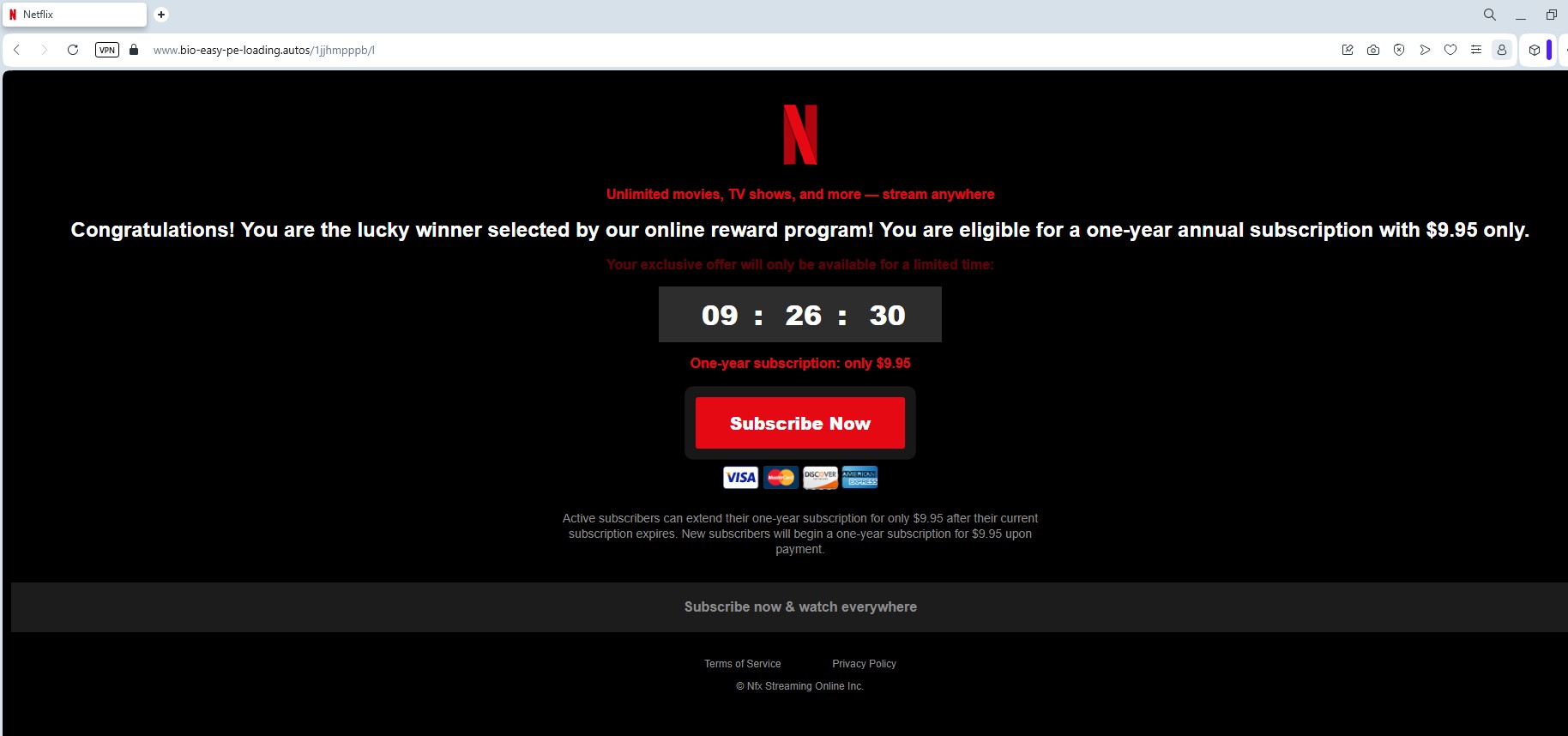
Some pages impersonate Netflix reward programs, claiming users have won prizes or special promotions.
Domains involved:
digital-shift-us-bin[.]autos
searchonboardloadingrock[.]autos
mailanalyticsvolseries[.]autos
verifieddreamseriesultimate[.]autos
goldavgpenb[.]autos
alt-dig-gold-tab[.]autos
bio-easy-pe-loading[.]autos
analytics-mail-post-quite[.]autos
favouritebiochoicelife[.]autos
Additional domains were also shared by an X user @skocherhan quoting my earlier post:
Additional domains observed:
goldavgpenb[.]autos
alt-dig-gold-tab[.]autos
bio-easy-pe-loading[.]autos
analytics-mail-post-quite[.]autos
favouritebiochoicelife[.]autos
These pages typically present users with messages claiming they have been selected for a Netflix reward or promotional giveaway, encouraging them to complete a short survey to claim their prize.
Like the other scams in this campaign, the pages ultimately attempt to collect personal or payment information, often under the pretext of paying a small shipping fee or verifying eligibility.
Fake Dell Laptop Giveaway Survey
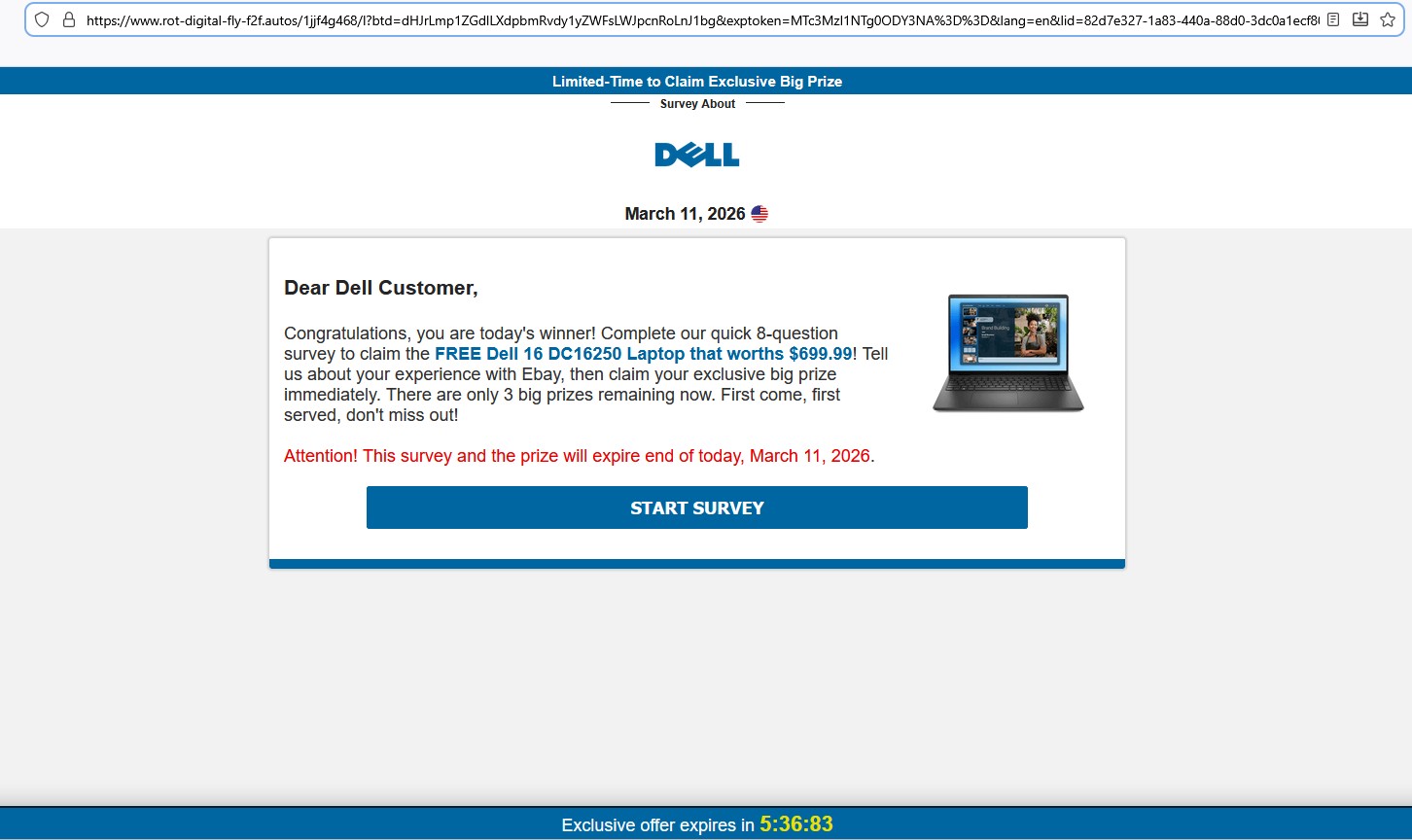
Another variation promotes a Dell laptop giveaway, typically claiming that users can win a Dell 16 DC16250 laptop worth $699.99.
Domains hosting these pages include:
avgeasyposttips[.]autos
searchonboardloadingrock[.]autos
alt-dig-gold-tab[.]autos
gold-avg-pe-nb[.]autos
tra4fficjumpchoiceclever[.]autos
digprtdreamavg[.]autos
shifttra4fficcapsmatch[.]autos
digitalshiftusbin[.]autos
spacevertabnb[.]autos
rot-digital-fly-f2f[.]autos
These pages typically:
- Ask the victim to answer a few survey questions.
- Display a congratulatory message.
- Request credit card details to pay for shipping fees.
Fake “AI Data Assistant – Earn $500/day” Job Lure
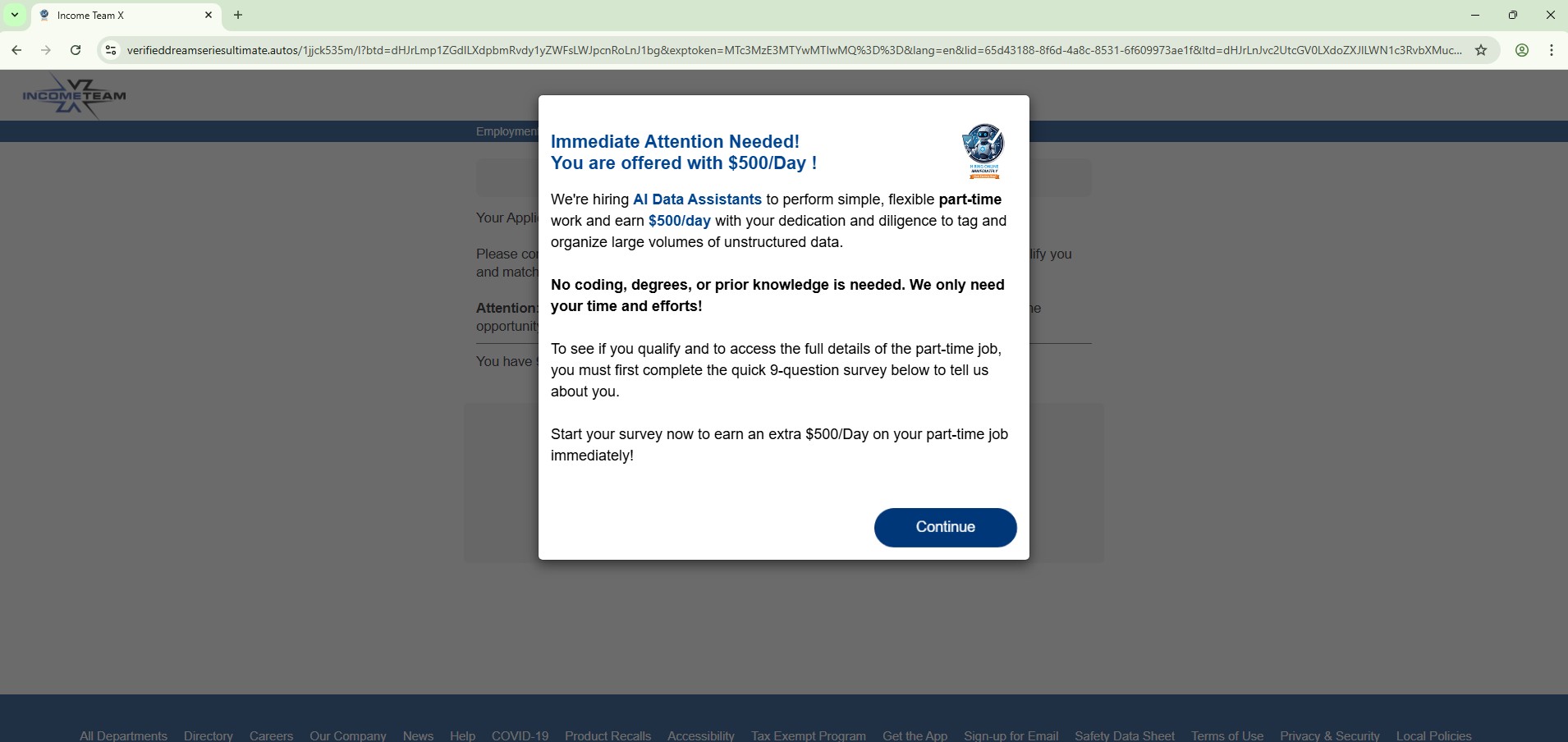
Another theme used in this campaign promotes a fake online job opportunity, claiming users can earn $500 per day as an AI data assistant.
Observed domains:
verifieddreamseriesultimate[.]autos
pushbuttonsystem[.]net
lifeverifiedfavouritever[.]autos
mailanalyticsvolseries[.]autos
spacevertabnb[.]autos
These pages typically claim:
- No experience required
- High daily earnings
- Work from home opportunities
Users are often redirected through several steps designed to collect personal information or push affiliate offers.
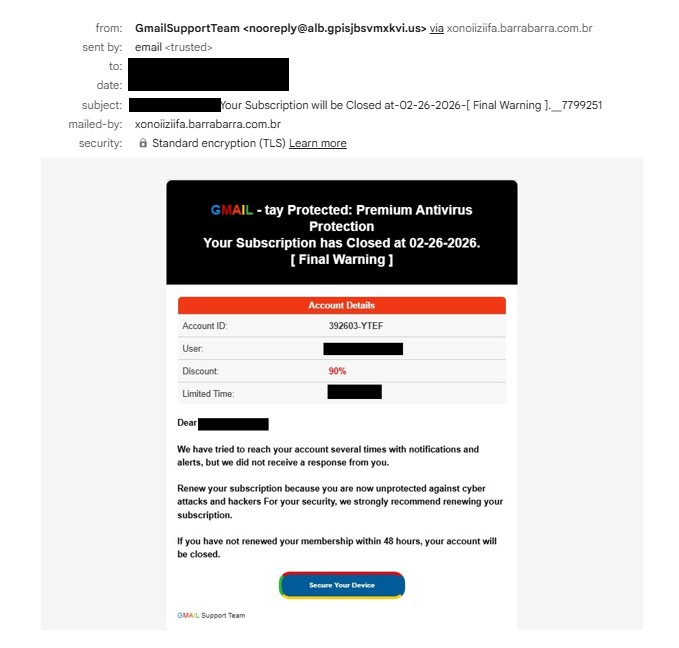
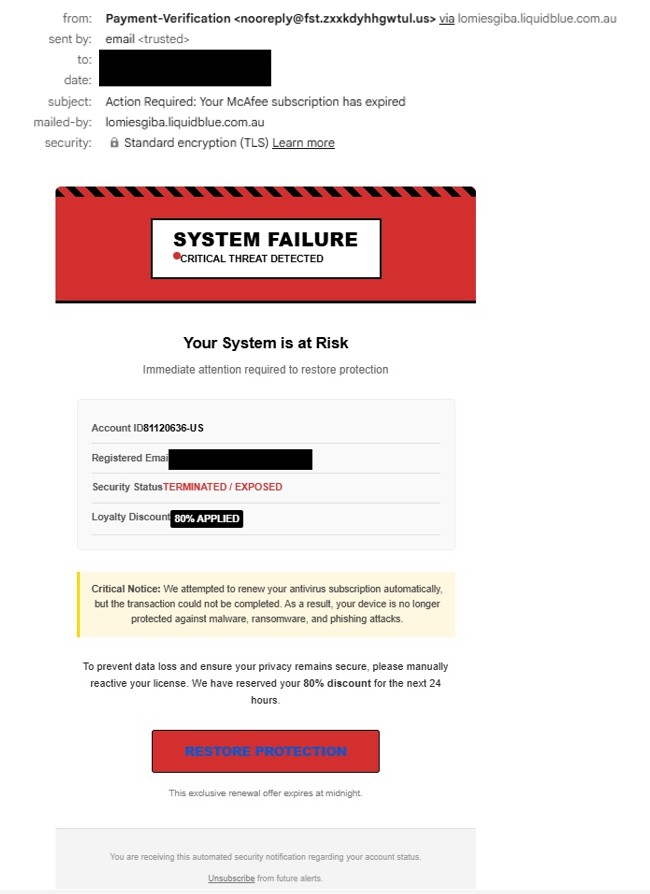
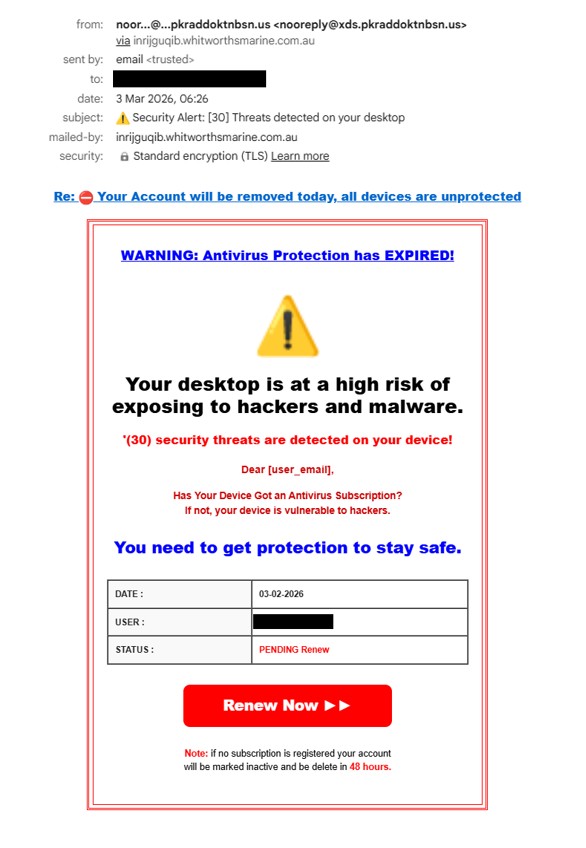
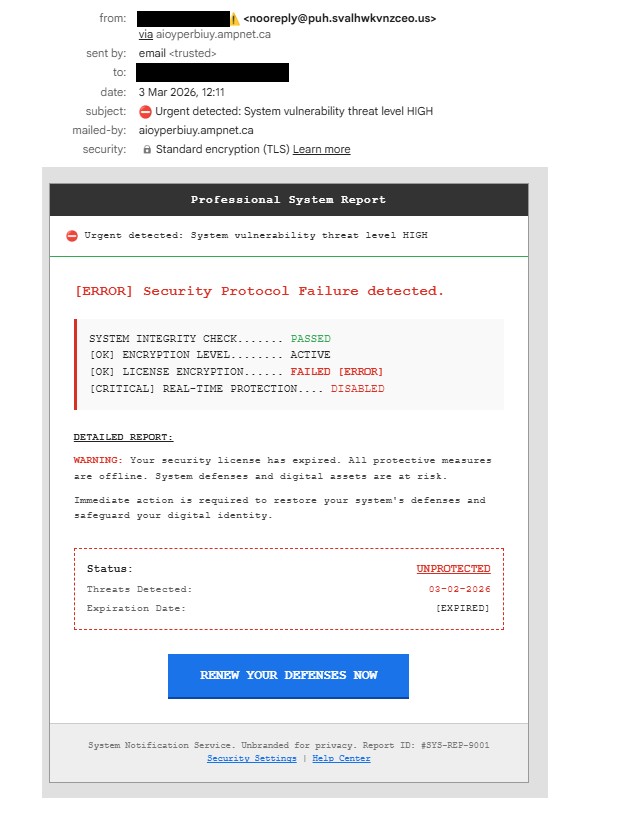
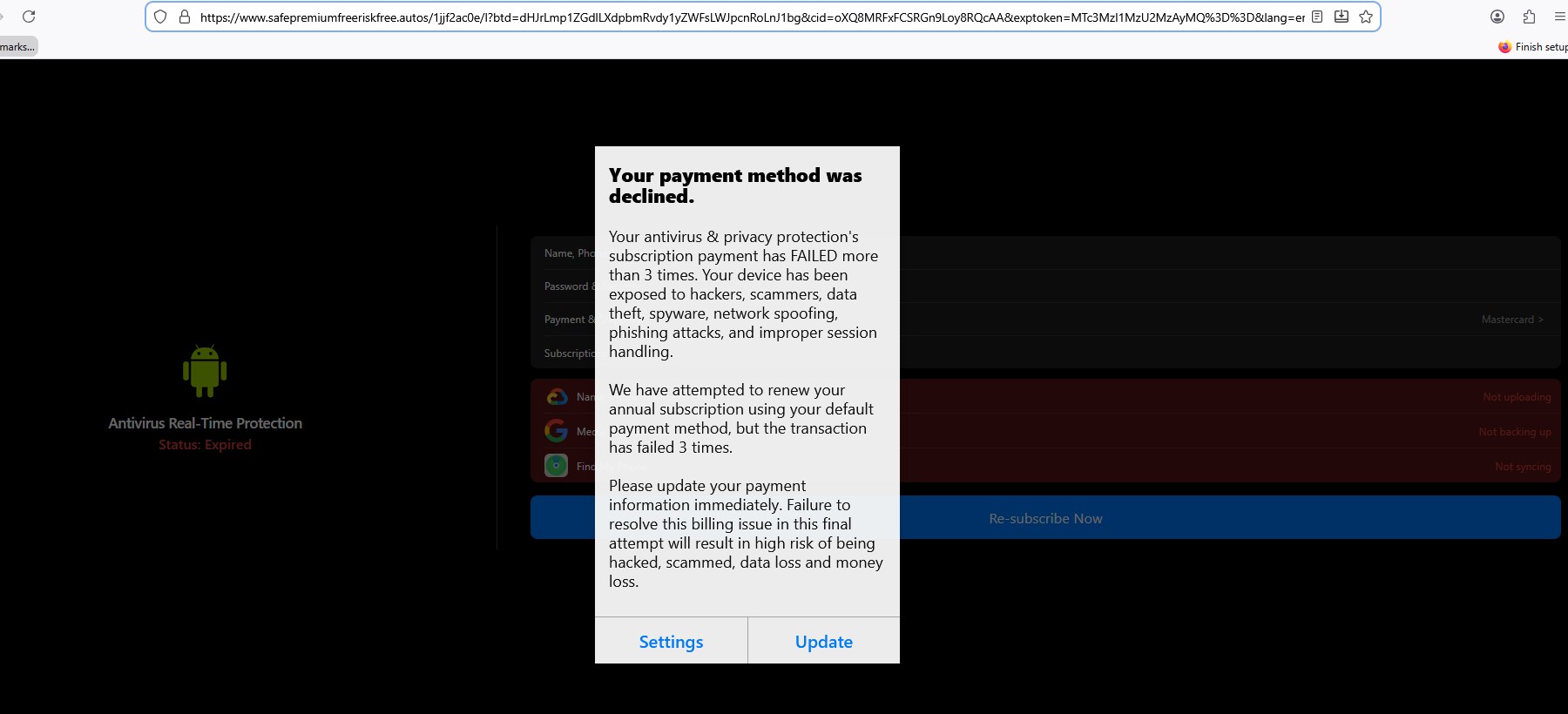
“Antivirus Subscription Expired” Phishing Pages
Another set of pages impersonates security alerts, claiming the user’s antivirus subscription has expired.
Domains observed:
safepremiumfreeriskfree[.]autos
nationalrecommendsafesmart[.]autos
deviceriskfreesafe[.]autos
freespeedpopular[.]autos
guardpopularinstalldevice[.]autos
speeddeviceboostfast[.]autos
programeffectivespeedfast[.]autos
These pages typically:
- Display fake security warnings
- Urge users to renew antivirus protection
- Redirect victims to payment or affiliate pages.
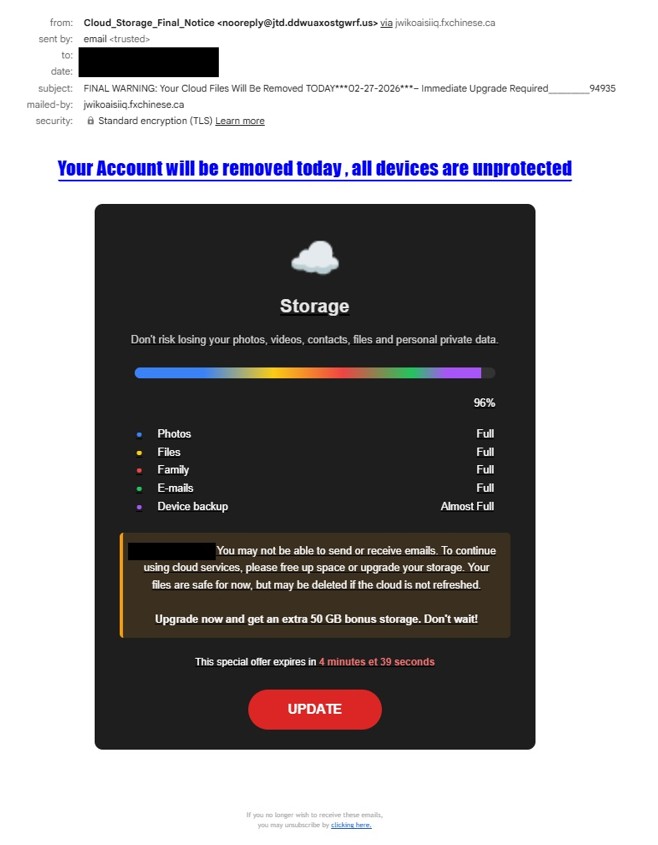
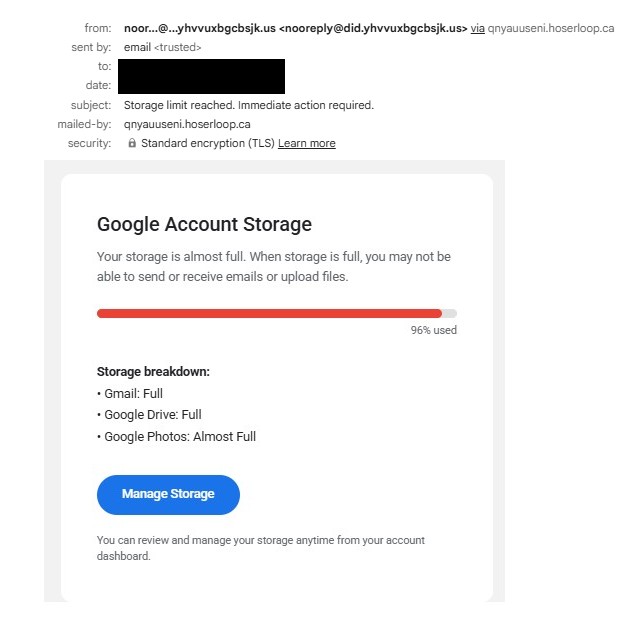
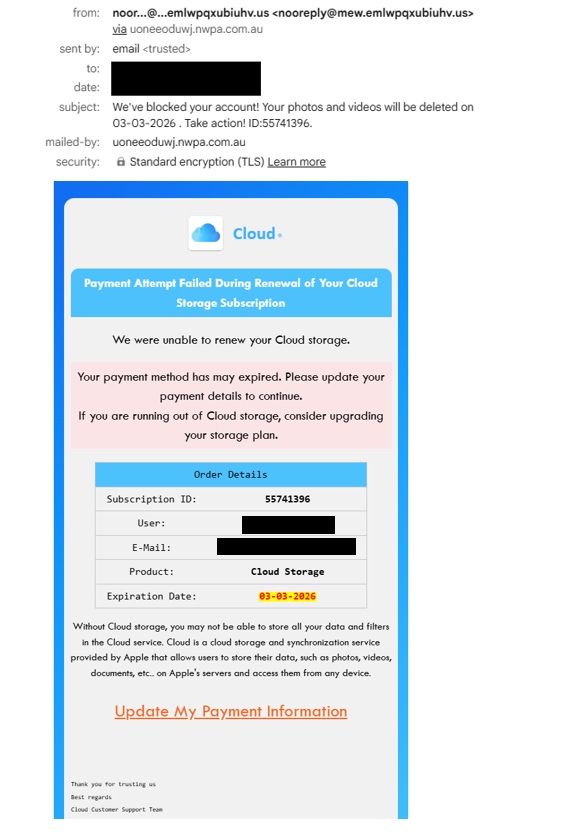
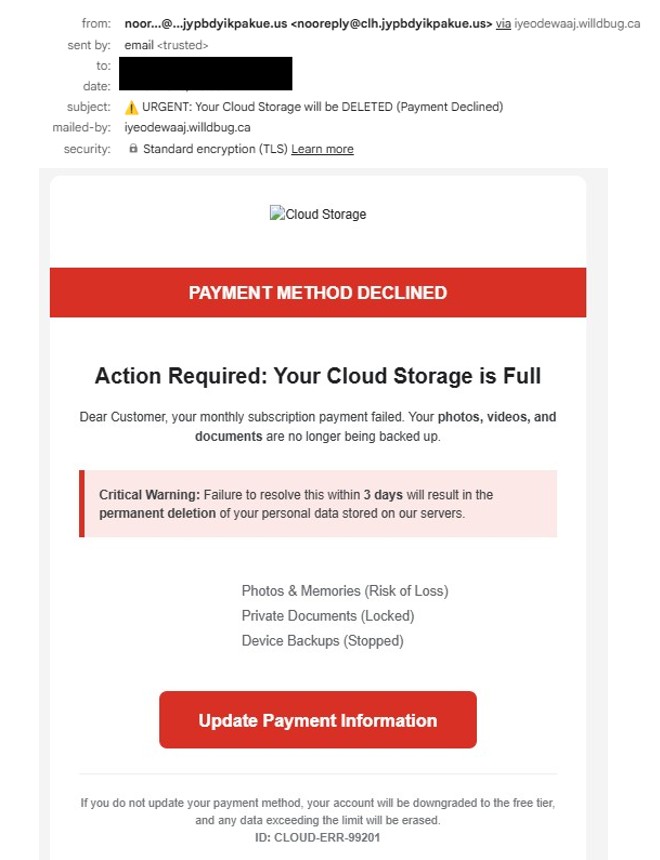
“Cloud Storage Full” Phishing Pages
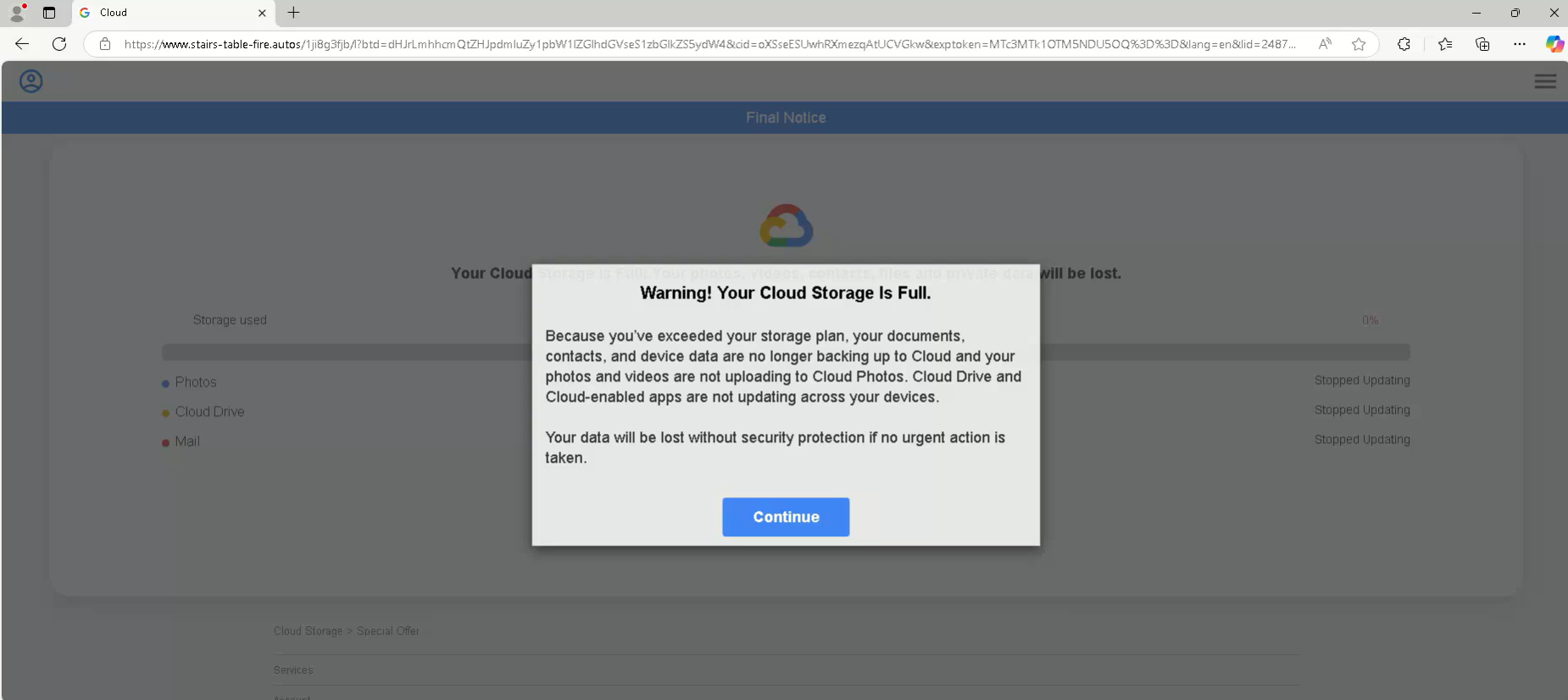
Another variation of this campaign uses cloud storage warnings, claiming the user’s storage account is full.
Observed domains:
stairs-table-fire.autos
tablewordstairs[.]autos
ceilwordinteriorbowl[.]autos
safe-premium-free-riskfree[.]autos
nationalprotectsmartfree[.]autos
guardpopularinstalldevice[.]autos
ceil-word-interior-bowl[.]autos
free-speed-popular-guard[.]autos
device-safe-clean-boost[.]autos
boost-premium-recommend-effective[.]autos
trk[.]independent-teacher-strength-nails[.]run
Additional domains were also shared by an X user quoting my earlier post:
These pages often mimic services such as:
- Google Drive
- iCloud
The goal is to scare victims into clicking through fake upgrade or security alerts.
Fake Walmart Survey Scam
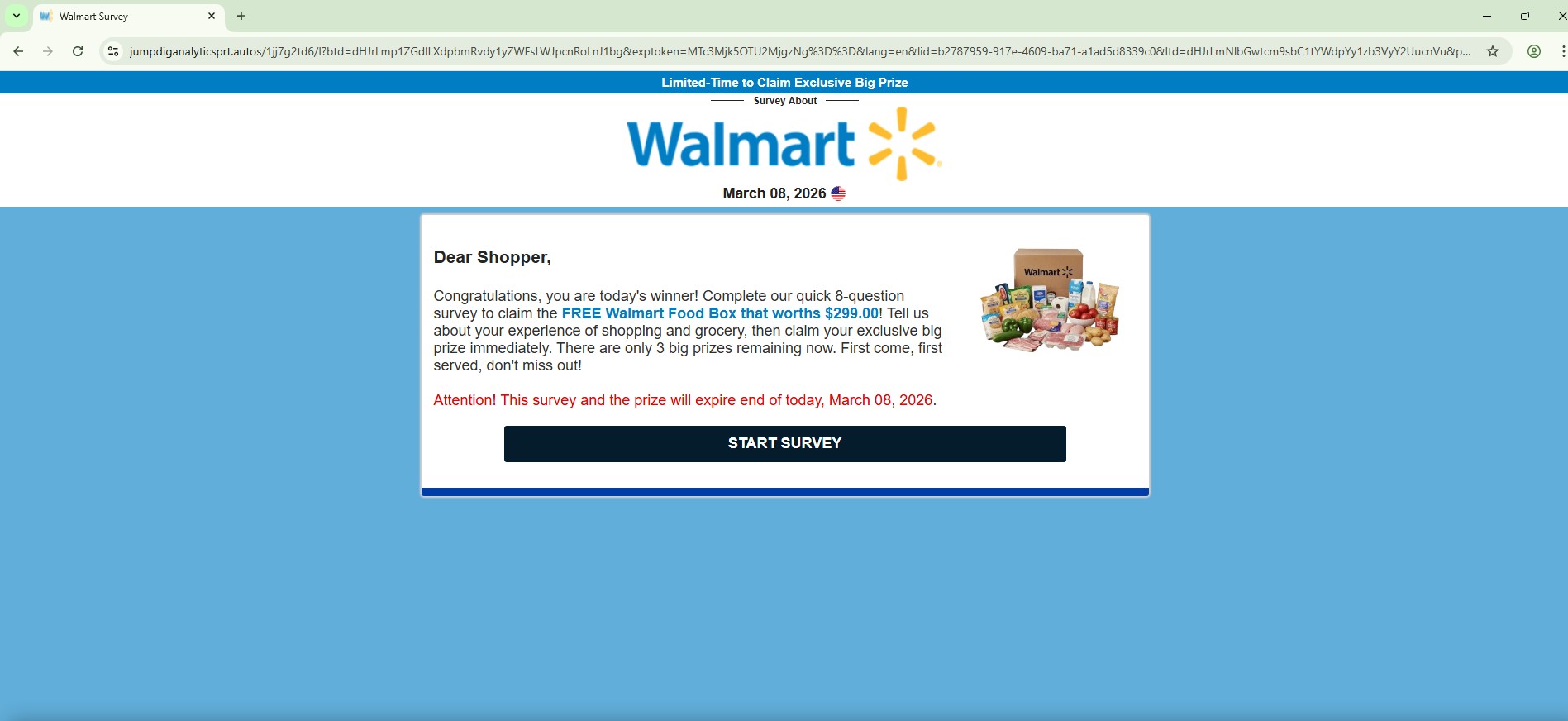
Several phishing domains impersonate Walmart survey reward campaigns, often promising a free gift or prize in exchange for completing a short survey.
Domains observed:
jumpdiganalyticsprt[.]autos
avgeasyposttips[.]autos
cleververifieddigitalmatch[.]autos
altbio[.]autos
alt-dig-gold-tab[.]autos
matchstarsrotchoice[.]autos
directvolcapsus[.]autos
digprtdreamavg[.]autos
These pages typically display messages such as:
- “Congratulations! You have been selected to receive a reward”
- “Complete a short Walmart survey to claim your prize”
After the survey is completed, victims are usually asked to pay a small shipping fee, where credit card information is harvested.
Key Observation
One of the most notable aspects of this campaign is the central role of the Google Cloud Storage page:
storage[.]googleapis[.]com/whilewait/successcomes.html
During testing, this page was observed redirecting users to multiple phishing domains across different scam themes.
This suggests it is functioning as a traffic distribution or redirect infrastructure, allowing attackers to rotate phishing destinations while keeping the initial delivery URL stable.
Using Google Cloud Storage also adds a layer of trust, as the domain belongs to a legitimate cloud provider.
Another interesting observation is that a single .autos domain can serve multiple phishing page themes after redirection from the Google Cloud Storage page. Depending on the redirection path or parameters, the same domain may host different scams such as:
- Fake surveys
- Reward scams
- Storage full alerts
- Antivirus subscription warnings
- Job offer lures
This behavior indicates that the attackers are likely using a shared phishing kit or centralized backend infrastructure, allowing them to quickly rotate scam themes while reusing the same domains.
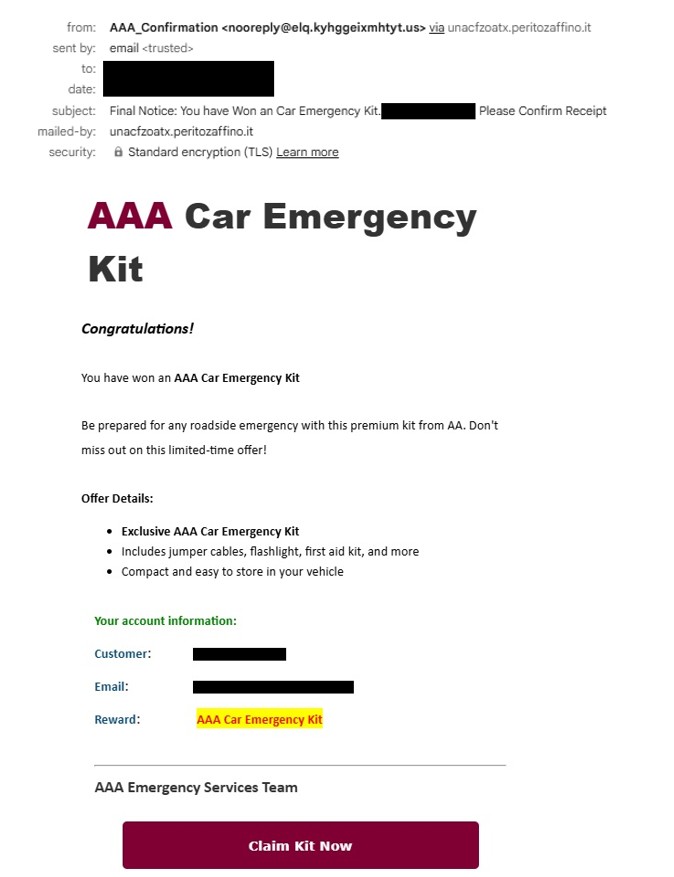
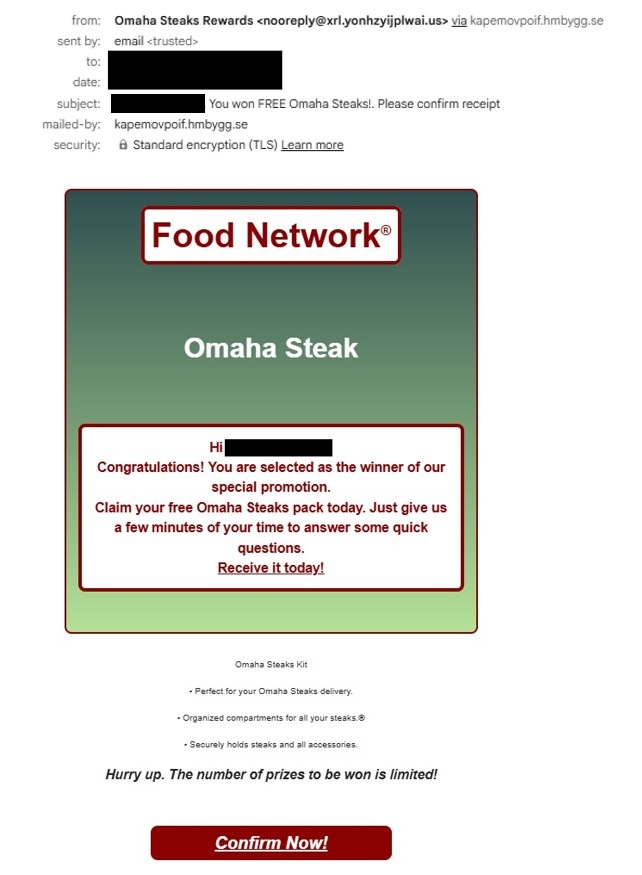
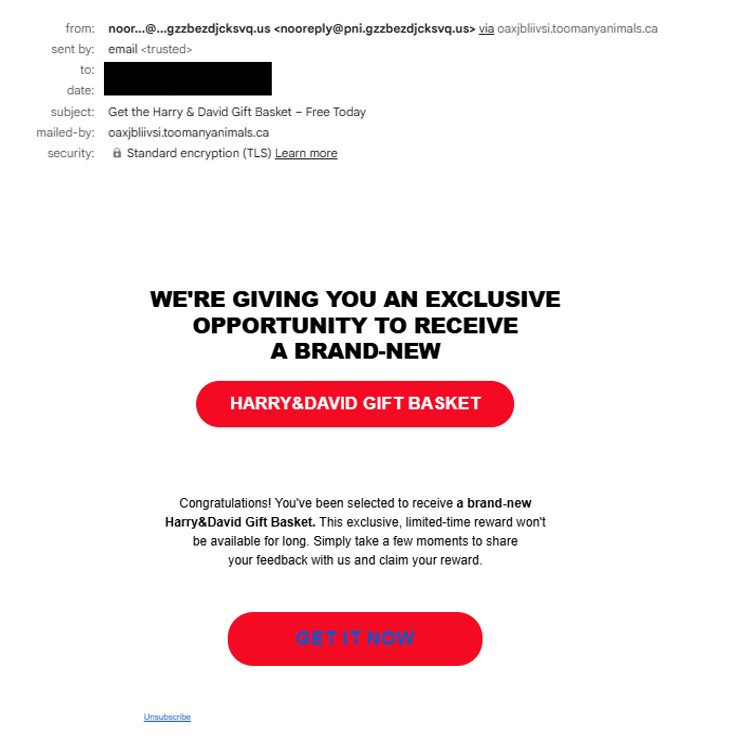
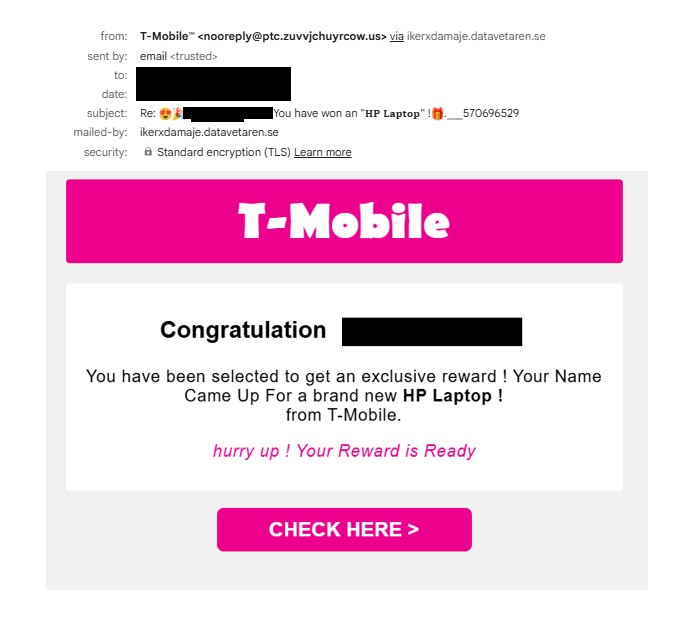
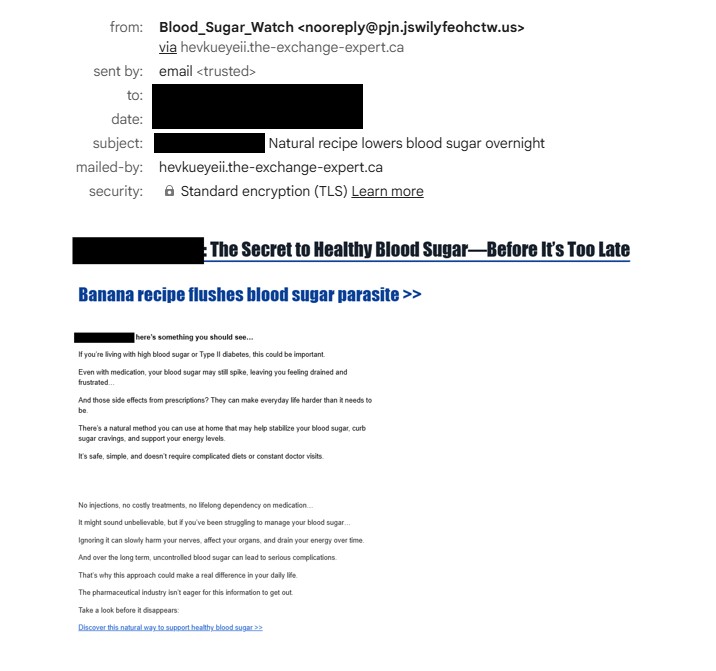
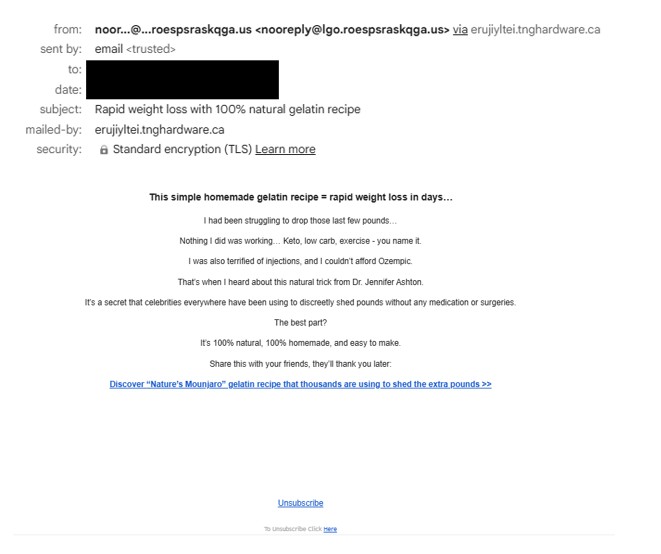
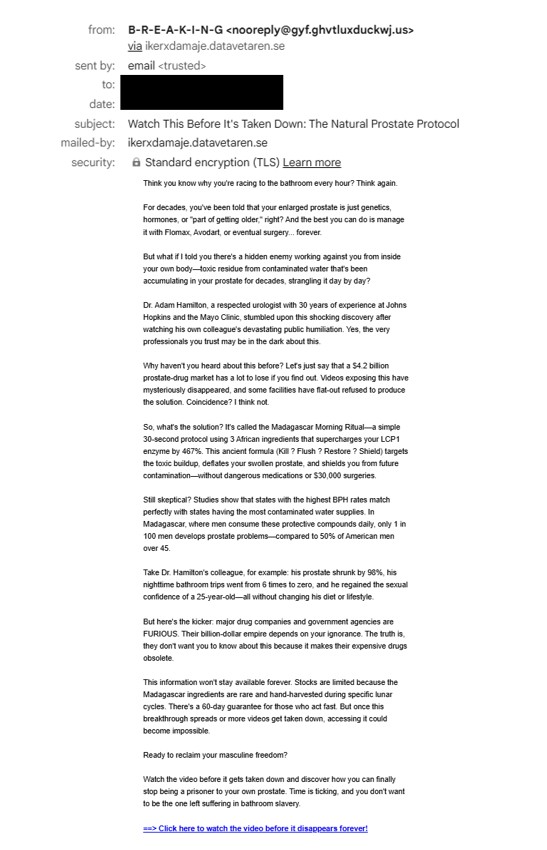
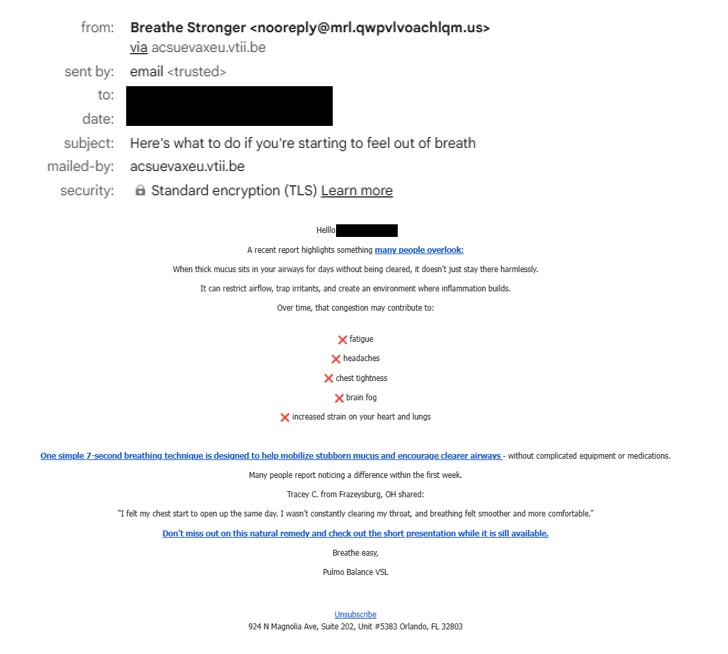
Another observation is the high volume of phishing emails currently being distributed using this infrastructure. Over the past few days, I have been receiving around 40–50 phishing emails within a 24-hour period, many of which contain links to Google Cloud Storage pages that act as redirectors to the phishing ecosystem described in this report.
URLs repeatedly observed in these emails include:
storage[.]googleapis[.]com/whilewait/successcomes.html
storage[.]googleapis[.]com/savelinge/goforward.html
Indicators of Compromise (IOCs)
Google Cloud URLs
storage[.]googleapis[.]com/whilewait/successcomes.html
storage[.]googleapis[.]com/sndrr/strow.html
storage[.]googleapis[.]com/noonchi/noon.html
storage[.]googleapis[.]com/sndrr/hmd.html
storage[.]googleapis[.]com/wetaobao/taobao.html
storage[.]googleapis[.]com/savelinge/goforward.html
storage[.]googleapis[.]com/lithesome/stepupnow.html
Phishing Domains
digital-shift-us-bin[.]autos
searchonboardloadingrock[.]autos
mailanalyticsvolseries[.]autos
verifieddreamseriesultimate[.]autos
goldavgpenb[.]autos
alt-dig-gold-tab[.]autos
bio-easy-pe-loading[.]autos
analytics-mail-post-quite[.]autos
favouritebiochoicelife[.]autos
goldavgpenb[.]autos
alt-dig-gold-tab[.]autos
bio-easy-pe-loading[.]autos
analytics-mail-post-quite[.]autos
favouritebiochoicelife[.]autos
avgeasyposttips[.]autos
searchonboardloadingrock[.]autos
alt-dig-gold-tab[.]autos
gold-avg-pe-nb[.]autos
tra4fficjumpchoiceclever[.]autos
digprtdreamavg[.]autos
shifttra4fficcapsmatch[.]autos
digitalshiftusbin[.]autos
spacevertabnb[.]autos
rot-digital-fly-f2f[.]autos
verifieddreamseriesultimate[.]autos
pushbuttonsystem[.]net
lifeverifiedfavouritever[.]autos
mailanalyticsvolseries[.]autos
spacevertabnb[.]autos
safepremiumfreeriskfree[.]autos
nationalrecommendsafesmart[.]autos
deviceriskfreesafe[.]autos
freespeedpopular[.]autos
guardpopularinstalldevice[.]autos
speeddeviceboostfast[.]autos
programeffectivespeedfast[.]autos
stairs-table-fire.autos
tablewordstairs[.]autos
ceilwordinteriorbowl[.]autos
safe-premium-free-riskfree[.]autos
nationalprotectsmartfree[.]autos
guardpopularinstalldevice[.]autos
ceil-word-interior-bowl[.]autos
free-speed-popular-guard[.]autos
device-safe-clean-boost[.]autos
boost-premium-recommend-effective[.]autos
trk[.]independent-teacher-strength-nails[.]run
jumpdiganalyticsprt[.]autos
avgeasyposttips[.]autos
cleververifieddigitalmatch[.]autos
altbio[.]autos
alt-dig-gold-tab[.]autos
matchstarsrotchoice[.]autos
directvolcapsus[.]autos
digprtdreamavg[.]autos
This campaign demonstrates how attackers continue to abuse trusted cloud infrastructure such as Google Cloud Storage to host redirectors that distribute victims to multiple phishing pages.
By using legitimate cloud services as part of the attack chain, threat actors can increase credibility and reduce the likelihood of immediate blocking.
The use of large numbers of disposable .autos domains further allows attackers to rotate phishing pages frequently while keeping the delivery infrastructure intact.
In addition, the system appears to restrict repeated access attempts from the same IP address. After a user successfully reaches a phishing page through the redirector, subsequent attempts to access similar URLs from the same IP may result in the page failing to load or redirecting to unrelated sites. This behavior suggests the presence of IP-based filtering or traffic distribution logic, commonly used in malicious traffic distribution systems (TDS) to control how often a visitor can access the phishing infrastructure.